Introduction: Most ERPs Fail Because They Don't Fit the Business — Debox Builds ERPs That Fit Your Reality
Across industries, companies struggle with:
- inconsistent processes
- manual coordination
- endless follow-ups
- Excel-driven operations
- dependency on individuals
- stalled workflows
- missing data
- inaccurate reporting
- team accountability issues
- delayed approvals
- scattered information
Most leaders assume an ERP will solve these problems.
But here's the truth: Most ERPs fail — not because they are bad systems, but because they are bad fits.
Common reality:
- teams don't use it
- the workflows don't match the business
- the ERP is too complex
- the UI is confusing
- the data model is wrong
- reporting is insufficient
- too many modules, too little adoption
- too rigid or too generic
- too many features, not enough usefulness
Debox is different.
We don't force businesses to fit software. We build ERPs around the business — engineered from your real workflows, real challenges, real people, and real operational behaviour.
The result: high adoption, high accuracy, high efficiency, and high business impact.
Why Most ERP Systems Fail (Even the Renowned Ones)
We've seen this across manufacturing, services, retail, distribution, hospitality, and project-based companies.
1. They Are Designed By Tech Teams — Not By People Who Understand Business
Most ERPs are built by:
- developers
- product teams
- system architects
But an ERP must be designed by people who understand:
- operations
- HR
- finance
- sales
- customer behaviour
- approvals
- execution maturity
- on-ground challenges
Debox ERPs begin with business clarity — not code.
2. They Force the Business to Change Overnight
Traditional ERP logic: "Here is the software, adjust your business to fit it."
Real-world logic: Teams need systems that feel natural to their workflow.
Debox ERPs evolve around:
- existing habits
- realistic execution speed
- departmental structure
- maturity level
- compliance requirements
This is why Debox ERPs achieve much higher adoption.
3. They Are Too Complex, With 100+ Features Nobody Uses
ERP bloat leads to:
- confusing UI
- overwhelmed teams
- poor adoption
- high training time
- low ROI
Debox builds lean, sharp, purpose-driven ERPs — only what the business truly needs.
4. No Automation, No Intelligence — Just Data Entry
Most ERPs are glorified databases.
Debox builds intelligent workflow systems that automatically:
- validate data
- move tasks forward
- notify stakeholders
- build logs
- escalate issues
- generate reports
- highlight exceptions
- push reminders
Automation reduces human error and increases speed.
5. No Real-World Testing or Behavioural Understanding
ERPs fail when real operational situations are not considered:
- skipped steps
- late entries
- partial approvals
- backdated information
- role confusion
- interrupted workflows
Debox tests ERPs in real-world failure scenarios, not just ideal flows.
6. Reporting & Dashboards Are Weak or Missing
Leaders need:
- real-time visibility
- operational health
- performance indicators
- bottleneck insights
- exception reports
- user-level accountability
Without reporting, an ERP is blind.
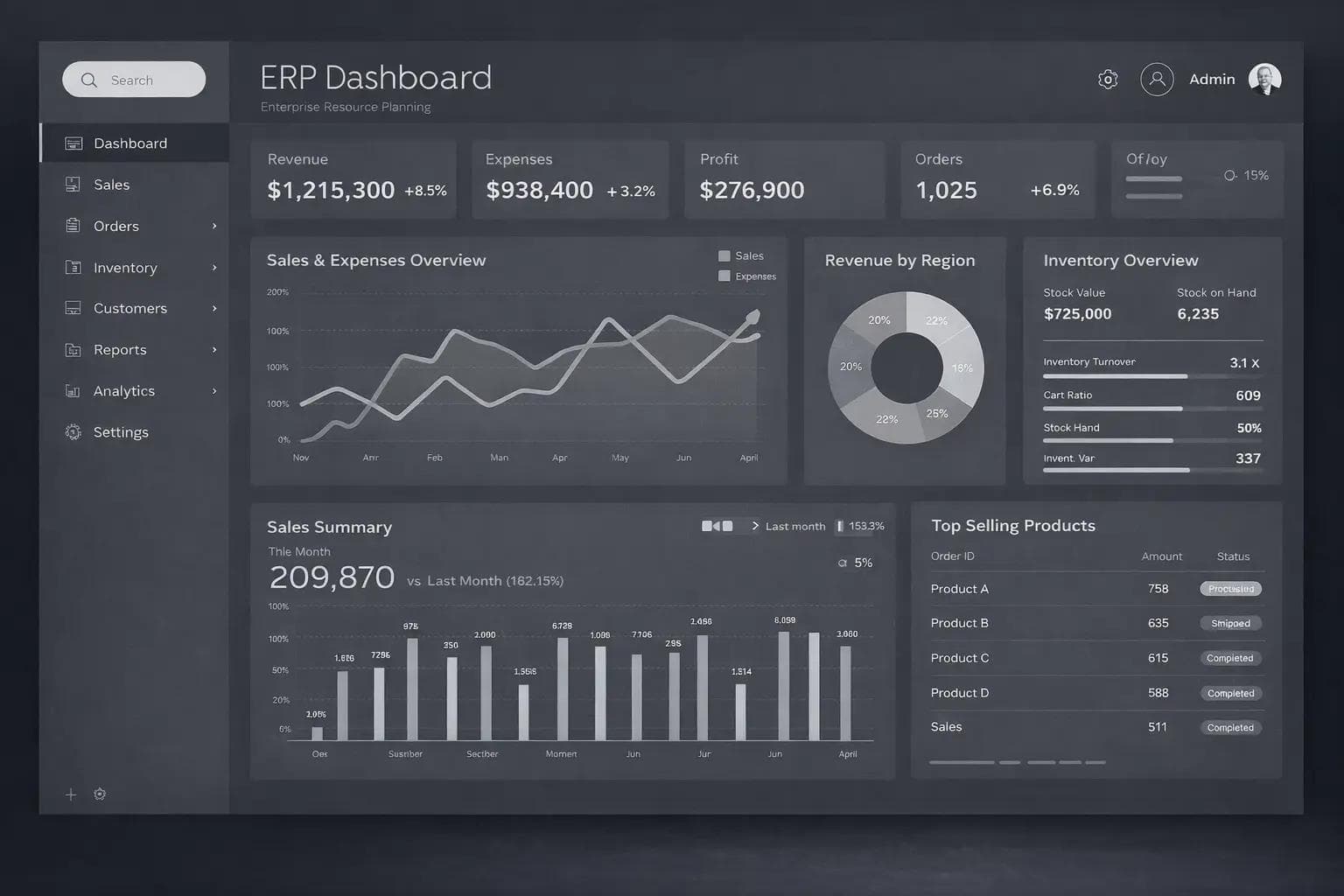
Debox builds dashboards that help leaders make decisions instantly.
The Debox Way: Business-Led ERP Systems Built for Real-World Performance
Debox builds ERPs like a consulting firm — with workflow mapping, process clarity, behavioural insights, automation logic, and strong implementation ownership.
1. Deep-Dive Business Understanding
We study:
- the business model
- operational structure
- team behaviour
- departmental dependencies
- existing manual processes
- current pain points
- compliance rules
- data needs
- future scalability
This ensures the ERP reflects exactly how the business works.
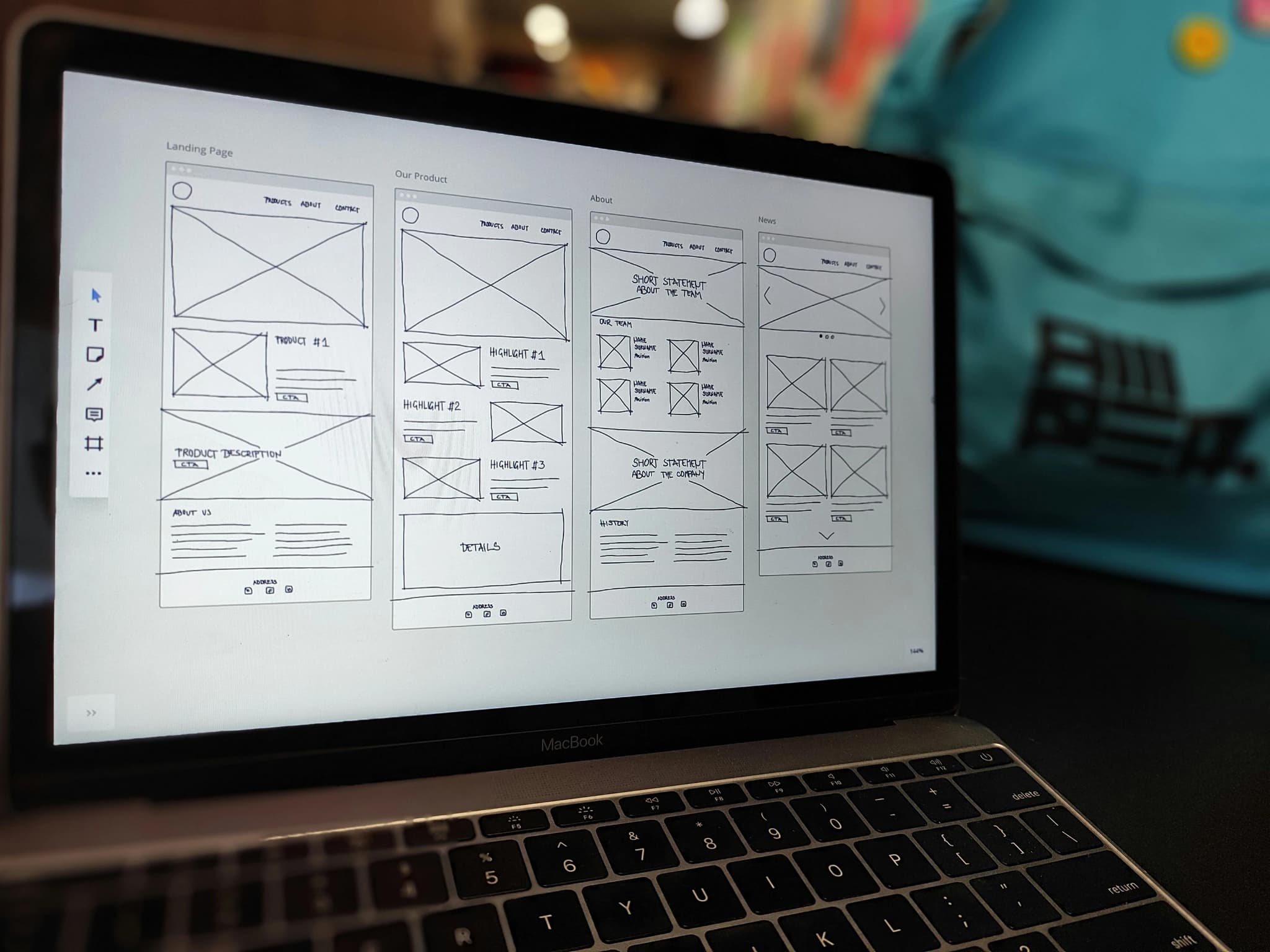
2. End-to-End Workflow Mapping
This is the core Debox differentiator. We map:
- step-by-step user actions
- checks & validations
- approval chains
- role responsibilities
- alternative flows
- exceptions
- time delays
- handoff points
- friction zones
These workflows become the ERP blueprint.
3. Module Architecture & Functional Scoping
We convert workflows into:
- modules
- sub-modules
- forms
- logs
- approvals
- alerts
- role permissions
- dashboards
- reports
- automations
- integrations
4. Data Architecture Design
Debox builds robust data models:
- clean table structures
- proper indexing
- normalized relationships
- scalable design
- query-efficient architecture
5. Automation & Control Layer
Debox ERPs include:
- auto-assignments
- automated approvals
- escalation logic
- scheduled reminders
- cross-module validations
- audit logs
- inactivity triggers
- smart workflows
- data integrity checks
Systems run themselves — people only manage decisions.
6. Role & Permission Engineering
We define:
- view-only roles
- approval-only roles
- maker-checker flows
- module-based permissions
- hierarchy mapping
7. Dashboard & Insights Layer
Debox ERPs include:
- daily/weekly performance dashboards
- module health indicators
- exceptions & alerts
- workload distribution
- team productivity
- bottleneck identification
- customer/transaction insights
8. Real-World Testing (Behaviour-Based)
We simulate:
- misuse
- wrong flows
- skipped entries
- incorrect approvals
- inconsistent data
- partial actions
- delay scenarios
Only after this does the ERP go live.
9. Implementation Ownership & Change Management
Debox does:
- training
- video guides
- refinement cycles
- user adoption tracking
- quick issue resolution
- behaviour correction
- process stabilization
An ERP is successful only when teams use it daily. Debox ensures they do.
Case Study 1: Manufacturing ERP — India
Problem:
- paper-based operations
- weak accountability
- no dashboards
- multiple follow-ups
- inconsistent data
Debox delivered:
- production tracking module
- sales-to-dispatch flow
- quality checks
- automated approvals
- exception reporting
- dashboards across levels
Outcome: Cycle time reduced 34%, accuracy improved significantly.
Case Study 2: Service Organization ERP — Dubai
Problem:
- scattered systems
- manual coordination
- low visibility
- inconsistent operations
Debox delivered:
- multi-role workflow system
- task automation
- performance dashboards
- client tracking
- billing integration
Outcome: Productivity increased 2.8×, customer experience improved.
Conclusion: Your ERP Should Not Add Complexity — It Should Add Speed, Clarity & Control
A great ERP:
- improves operational speed
- enhances accuracy
- increases transparency
- improves team accountability
- strengthens compliance
- reduces manual work
- centralizes data
- helps leaders make faster decisions
- scales with the business
- becomes the backbone of operations
Most ERPs try to be everything — and fail.
Debox ERPs focus on the essential workflows that actually drive performance.
Because technology should not complicate business. It should simplify, strengthen, and scale it.